Ron and Little Man Rhythm Game

Ron and Little Man Rhythm Game

Developer: Tall Core Studio
Published: 2025-04-05
Updated: 2026-06-12

Reviews

This mod captures the core of rhythm gaming with a single, challenging song. The arrow key controls are responsive, and the difficulty ramps up nicely. Replaying to perfect your run adds good replay value. It is a safe, fun choice for players who enjoy timing-based challenges.

Description

Game Introduction

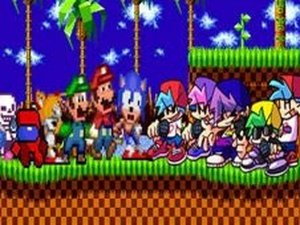
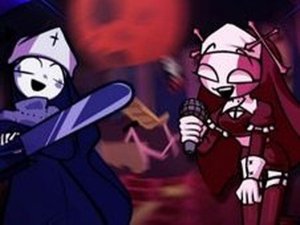
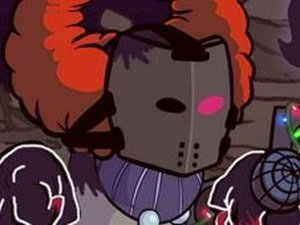
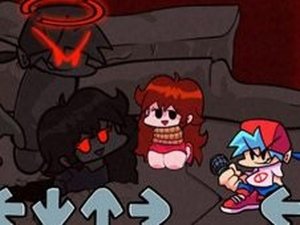
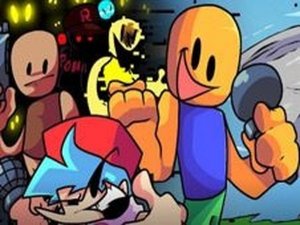
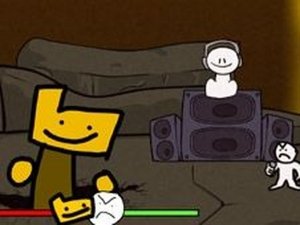
FnF: Ron and Little Man sing Expurgation is a fan-made rhythm game mod inspired by the popular Friday Night Funkin' series. In this version, players take on the role of Ron and Little Man as they perform the intense track Expurgation. The game was created by a talented team including ninjamuffin99, PhantomArcade 3K, Evilsk8r, and Kawai Sprite, with the mod developed by The Giant Cadastral and X_C02. Your goal is to play through every note without making a mistake. One wrong press ends the run, so focus and timing are key. The game is open-source and family-friendly, containing no inappropriate content. It offers a lively musical experience that tests your rhythm and reaction speed.

How to Play

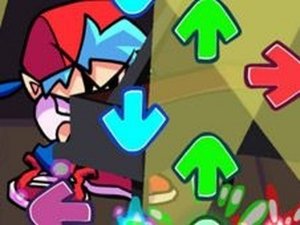
To play, watch for arrow symbols that appear above your character. When you see an arrow, press the matching arrow key on your keyboard. The timing of your press matters. Hit the key exactly when the arrow reaches the target zone for a successful note. If you press the wrong key or miss the timing, you will lose the game. The song progresses in difficulty, so stay alert and keep a steady rhythm. Practice helps you improve your accuracy. The controls are simple, making it easy to start but challenging to master.

Game Features

Fun rhythm gameplay that tests your timing. Easy arrow key controls for quick learning. Family-friendly music challenge with no inappropriate content. Open-source mod created by a dedicated community. Single-song focus for intense, focused play.

Tips for Success

Practice regularly to improve your timing and accuracy. Focus on the rhythm of the music to anticipate when arrows will appear. Start by playing at a slower pace if possible, and gradually increase speed as you get more comfortable. Stay calm and avoid rushing your key presses, as precision is more important than speed. If you make a mistake, use it as a learning opportunity to identify which sections need more practice.

Compatibility

✅ Works on PC & Mobile | Recommended: Chrome / Safari / Edge
Faq
Is this game free to play?
Yes, as a fan-made mod, it is typically free to play. Since it is open-source and created by the community, you can usually access it without any cost. Check the official mod page for download or play instructions.
Can I play this game on mobile devices?
The game is designed for keyboard controls, so it is best played on a computer. Mobile support may not be available unless the mod has been adapted for touch screens. Check the mod's documentation for platform compatibility.
Do I need to install any software to play?
You may need to download the game files from a trusted source and run them on your computer. Some versions may require a web browser if played online. Always download from the official mod page to ensure safety.
Is there a leaderboard or score tracking?
The game focuses on completing the song without mistakes, so it may not include a leaderboard. However, some mods offer score tracking or replay features. Check the specific mod version for available features.
Can I play with a controller?
The game uses arrow keys by default, but some mods may support controller input. You can check the mod's settings or documentation for controller compatibility. If not supported, you can use keyboard mapping software.
What should I do if the game doesn't run properly?
First, ensure your computer meets the system requirements. Try running the game as an administrator or in compatibility mode. Check online forums or the mod's support page for troubleshooting tips. Updating your graphics drivers may also help.
Advertisement